

Computer Hardware and Software Worksheet in Hindi - Grade 3
Description
About this Computer Hardware and Software Worksheet
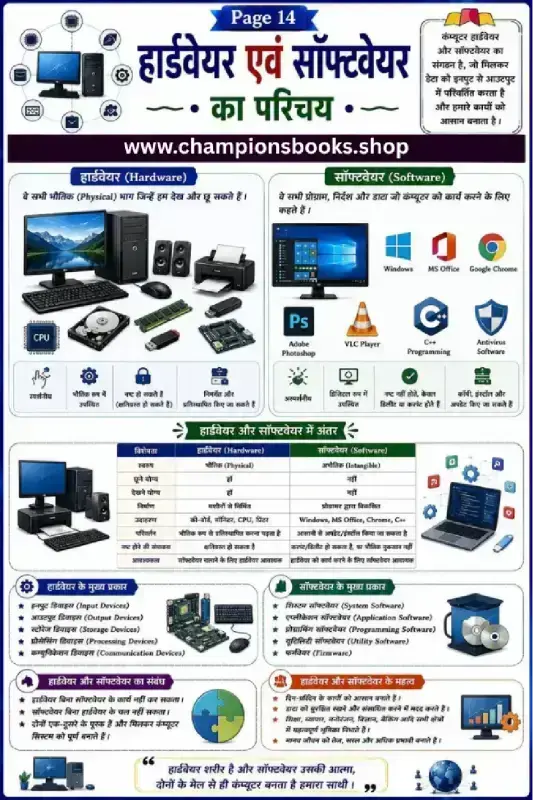
This educational worksheet is designed to introduce Grade 3 students to the fundamental concepts of computer systems. Written entirely in Hindi, this guide makes it easy for young learners to grasp the distinction between computer hardware and software. It features colorful illustrations and clear tables to make learning computer science engaging and interactive.
What Students Will Learn
Our comprehensive computer hardware and software worksheet in hindi covers the core essentials of primary school computer education:
Introduction to Hardware (हार्डवेयर): Understand the physical components of a computer that you can see and touch, such as the CPU, monitor, keyboard, printer, and motherboard.
Introduction to Software (सॉफ्टवेयर): Learn about the virtual programs and instructions that direct the computer, including operating systems like Windows, and applications like MS Office and Google Chrome.
Key Differences: A clear, structured comparison table detailing the properties, tangibility, and functions of hardware versus software.
Types of Components: Discover the main categories of hardware (input, output, storage, processing) and software (system, application, utility).
Benefits of Using This Worksheet
Bilingual Learning: Helps students connect Hindi terminology with standard English computer terms easily.
Visual Representation: High-quality diagrams of real-world computer parts and popular software logos aid in quick recognition.
Perfect for Classrooms and Home Study: Ideal for teachers looking for Grade 3 computer science resources or parents wanting to support their children's digital literacy.
This worksheet is perfect for grade 3 students who want to practice and improve their skills in information technology (it).
Quick facts
- Class
- Class 3 (Grade 3)
- Age
- 8–9 years
- Subject
- Information Technology (IT)
- Pages
- 1
- Format
- Free printable PDF (A4, black & white)
Related Worksheets
Information Technology Notes in Hindi | Class 9 IT Guide
Grade 4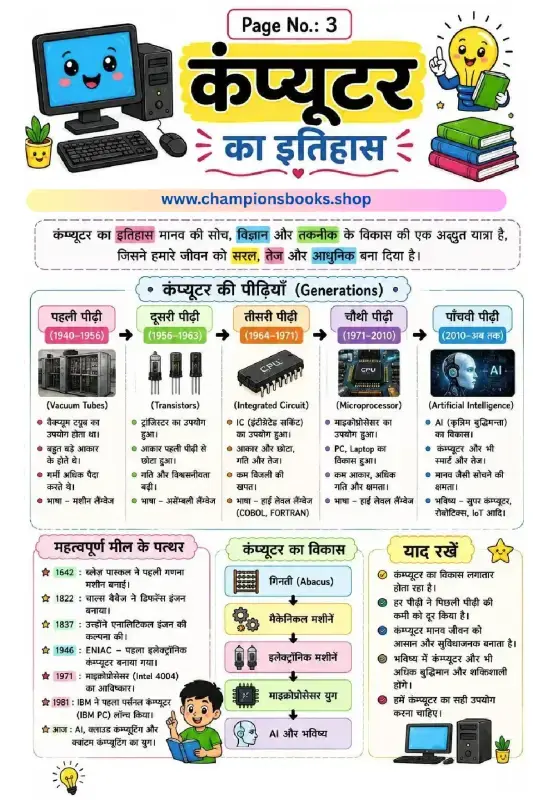
History of Computer in Hindi - कंप्यूटर का इतिहास Worksheet
Grade 4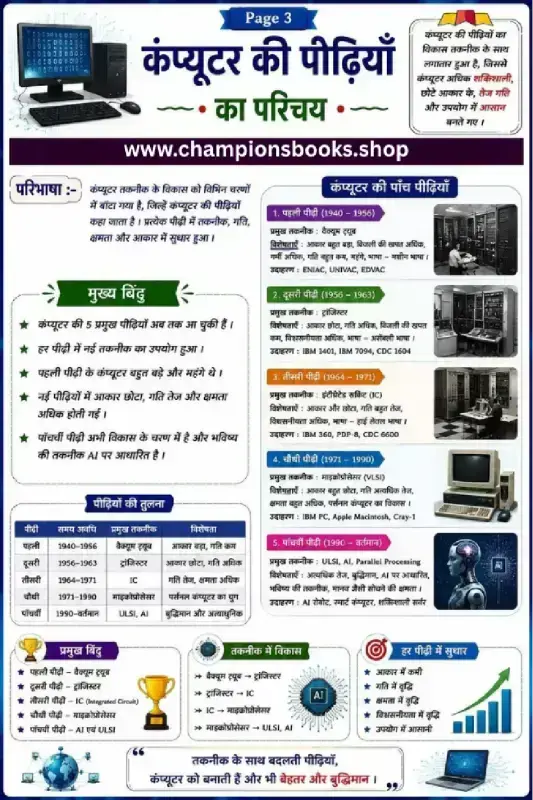
Generations of Computer in Hindi Chart & Worksheet
Grade 4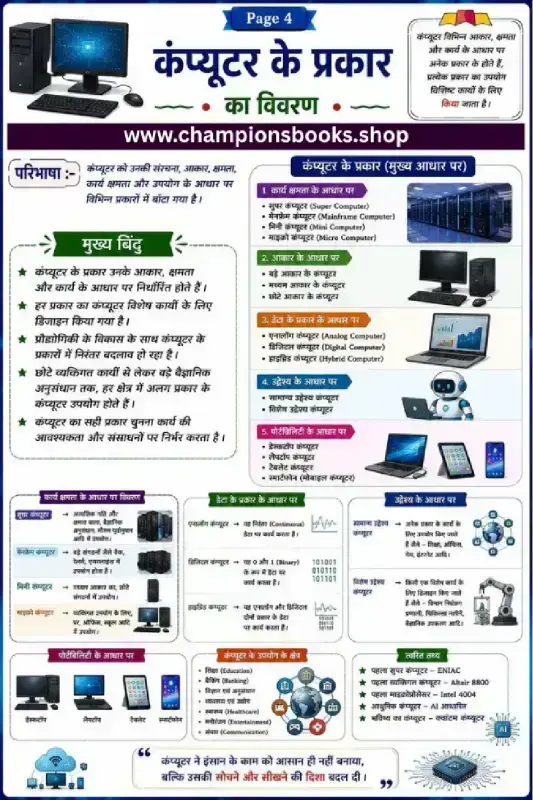
Types of Computers in Hindi | कंप्यूटर के प्रकार Worksheet
Grade 4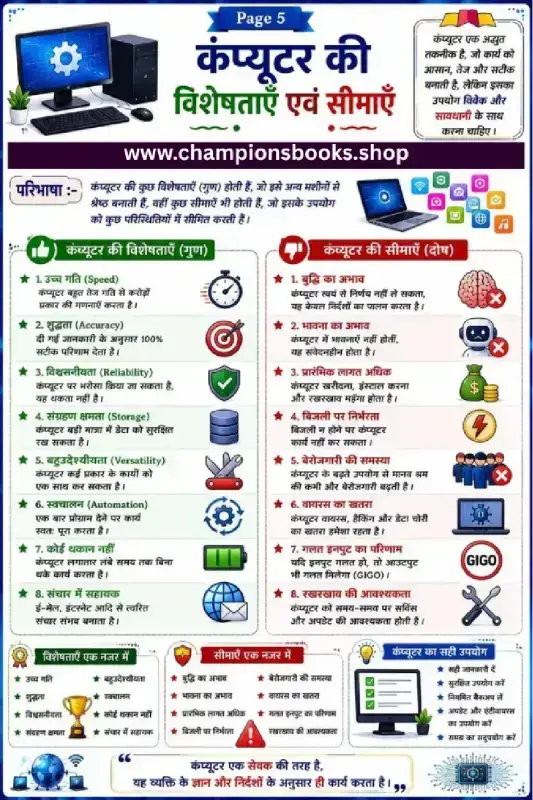
Computer Characteristics and Limitations in Hindi Worksheet
Grade 3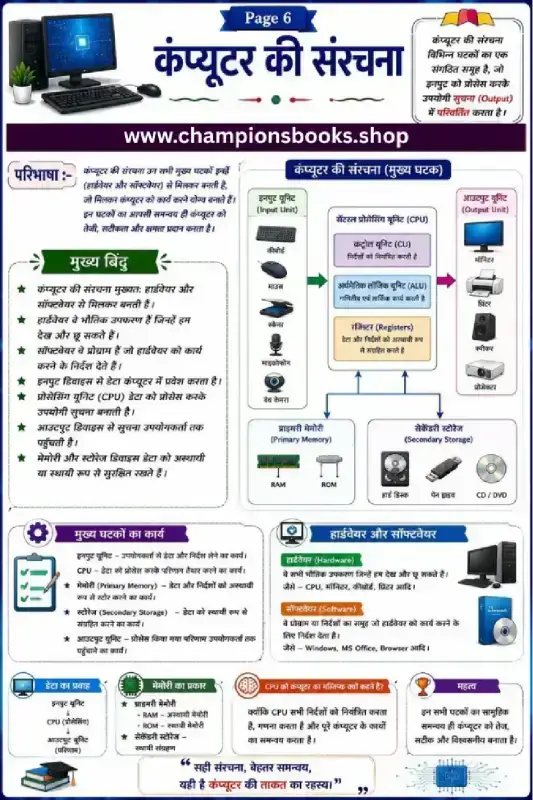
Computer Structure in Hindi Worksheet | Grade 6 Computer
Grade 4Most Downloaded Worksheets

Learn Hindi Vowels: Picture & First Letter Match | Kindergarten
Kindergarten
Hindi Sangya Worksheet for Grade 1 – Find Nouns in the Picture
Grade 1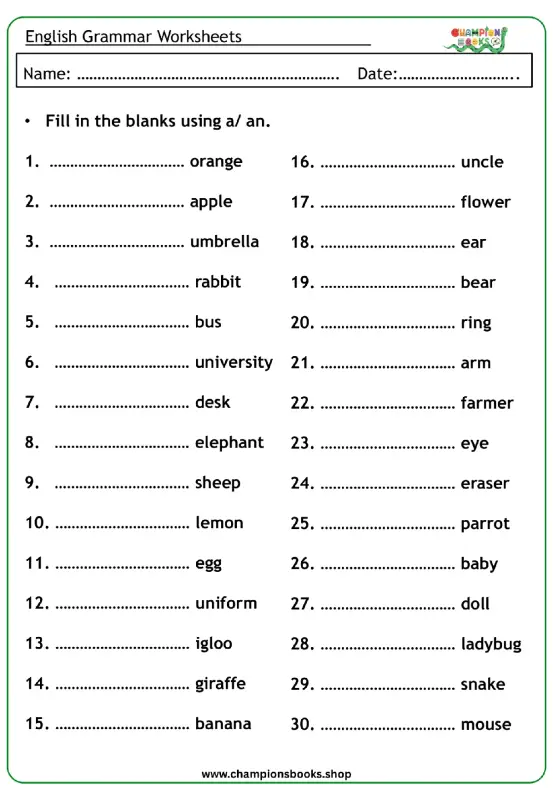
A vs An Worksheet for Grade 1 | English Grammar Practice
Grade 1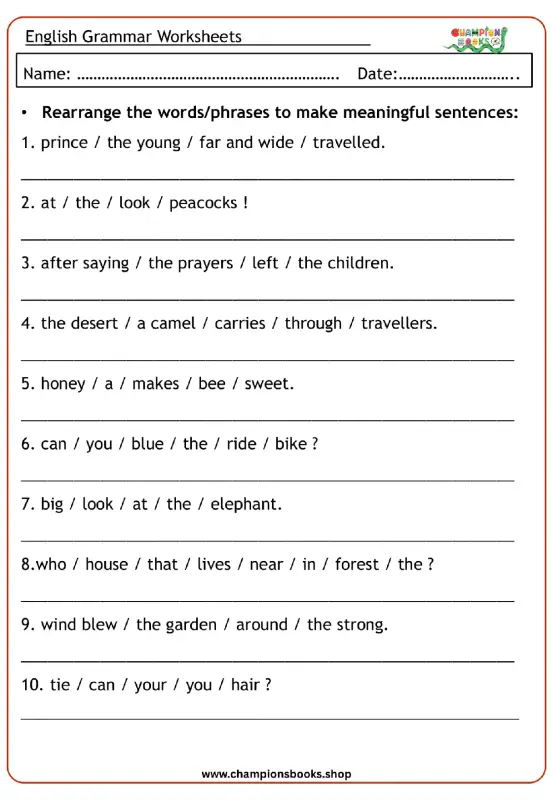
Rearrange Sentences Worksheet for Grade 3 Grammar Practice
Grade 3
Hindi First Letter Worksheet | Identify & Circle Akshar
Grade 1
Master A, An, Some, Any: Grade 3 Grammar Worksheet | Free PDF
Grade 3
Basic English Grammar Worksheet: A, An, Some, Any
Grade 1