

Computer Structure in Hindi Worksheet | Grade 6 Computer
Description
About this Computer Structure Worksheet
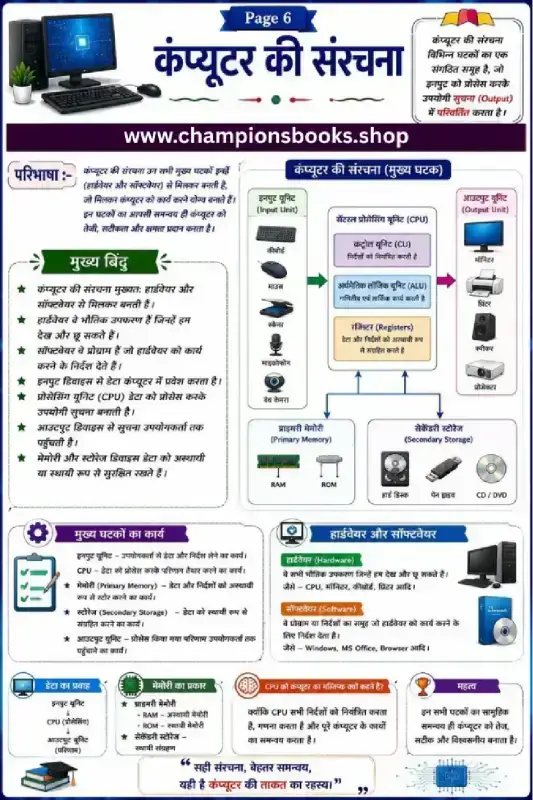
This comprehensive educational worksheet is designed for Grade 6 students to understand the fundamental components and architecture of a computer system in Hindi. Entitled "कंप्यूटर की संरचना" (Structure of Computer), this visual study guide breaks down complex hardware and software concepts into easy-to-understand diagrams and definitions, making it an ideal resource for Hindi-medium classrooms and home study.
Key Learning Concepts Covered
This worksheet provides a detailed breakdown of the computer's core components and their functions:
Input Unit (इन्पुट यूनिट): Introduction to devices used to enter data, including the keyboard, mouse, scanner, microphone, and web camera.
Central Processing Unit (CPU): Explains why the CPU is considered the brain of the computer, detailing the roles of the Control Unit (CU), Arithmetic Logic Unit (ALU), and Registers.
Output Unit (आउटपुट यूनिट): Explores how processed information is displayed or produced using monitors, printers, speakers, and projectors.
Memory and Storage (मेमोरी और स्टोरेज): Differentiates between Primary Memory (RAM, ROM) and Secondary Storage (Hard Disk, Pen Drive, CD/DVD).
Hardware vs. Software: Defines physical components (Hardware) and instructional programs (Software) with clear examples.
Benefits for Students and Teachers
Clear Visual Flowcharts: The diagrammatic representation of data flow helps students easily visualize how input travels through the CPU to become output.
Exam-Focused Summary: Key points (मुख्य बिंदु) and component functions (मुख्य घटकों का कार्य) serve as excellent quick-revision notes.
Bilingual Terminology: Helps Hindi-medium students learn essential English technical terms alongside their Hindi translations.
This worksheet is perfect for grade 4 students who want to practice and improve their skills in information technology (it).
Quick facts
- Class
- Class 4 (Grade 4)
- Age
- 9–10 years
- Subject
- Information Technology (IT)
- Pages
- 1
- Format
- Free printable PDF (A4, black & white)
Related Worksheets
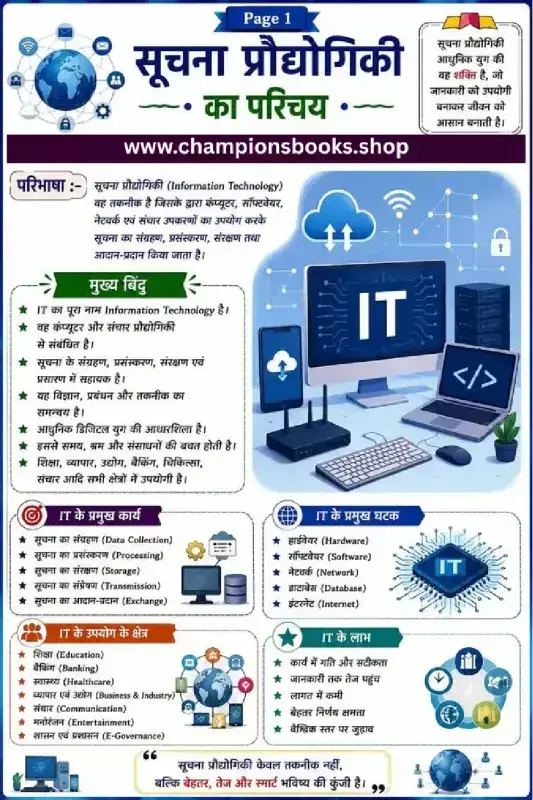
Information Technology Notes in Hindi | Class 9 IT Guide
Grade 4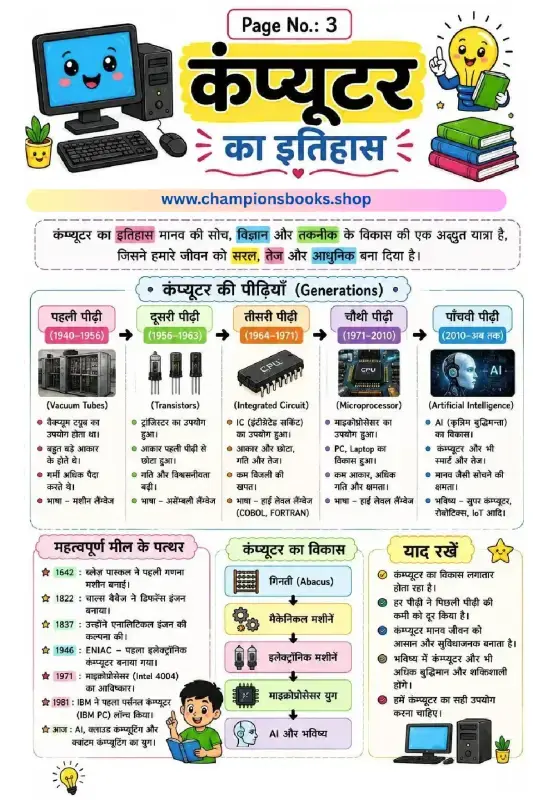
History of Computer in Hindi - कंप्यूटर का इतिहास Worksheet
Grade 4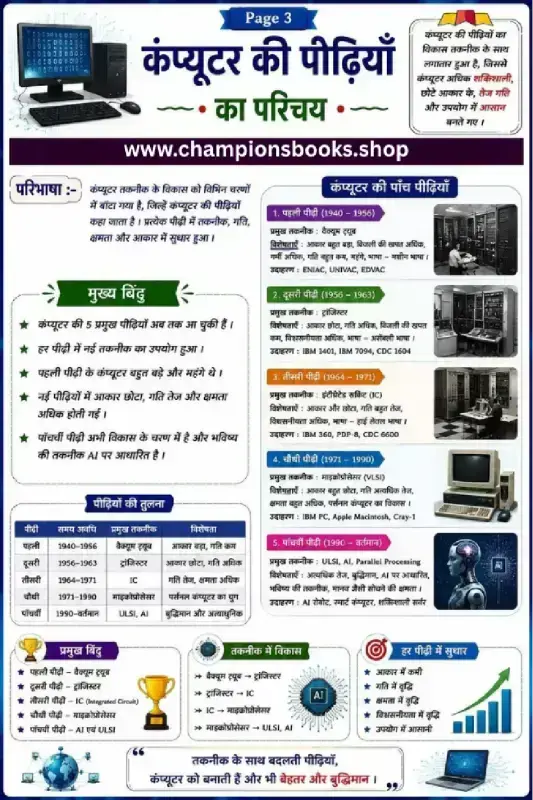
Generations of Computer in Hindi Chart & Worksheet
Grade 4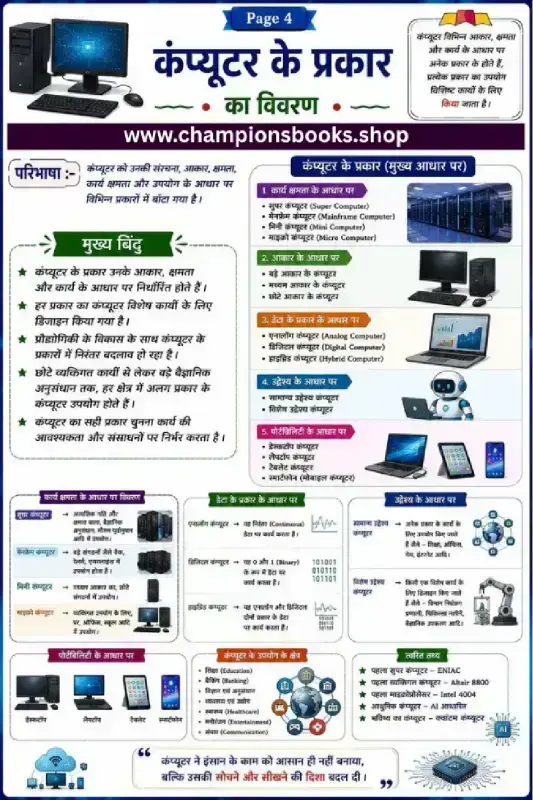
Types of Computers in Hindi | कंप्यूटर के प्रकार Worksheet
Grade 4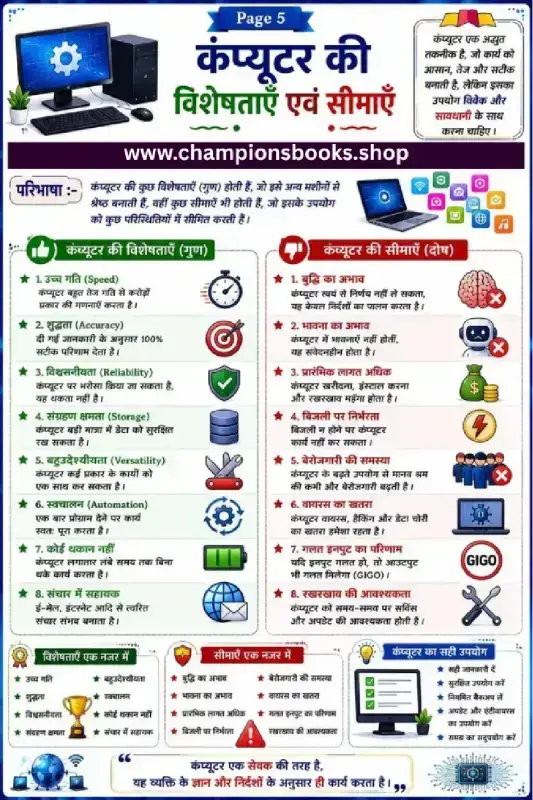
Computer Characteristics and Limitations in Hindi Worksheet
Grade 3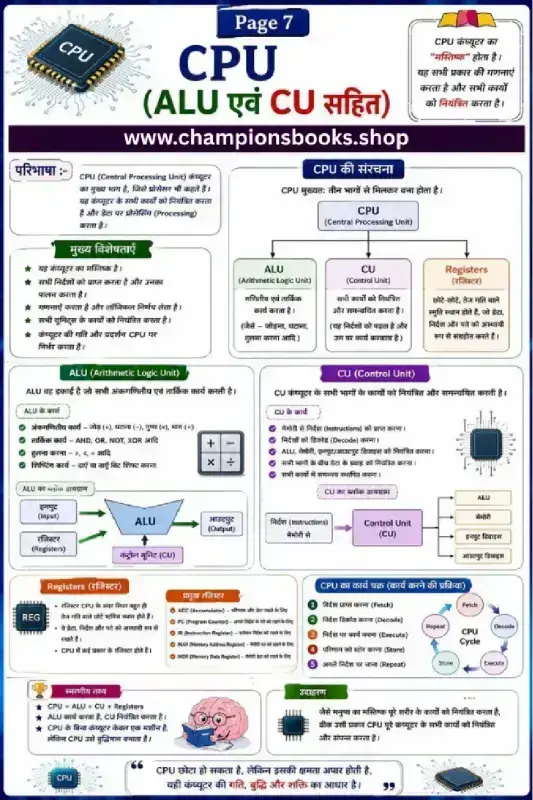
CPU Parts and Functions Worksheet in Hindi - Grade 6-8
Grade 4Most Downloaded Worksheets

Learn Hindi Vowels: Picture & First Letter Match | Kindergarten
Kindergarten
Hindi Sangya Worksheet for Grade 1 – Find Nouns in the Picture
Grade 1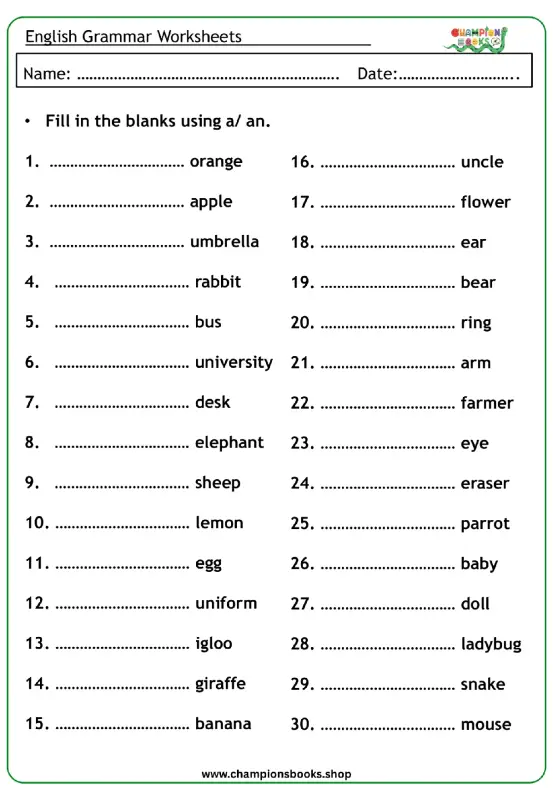
A vs An Worksheet for Grade 1 | English Grammar Practice
Grade 1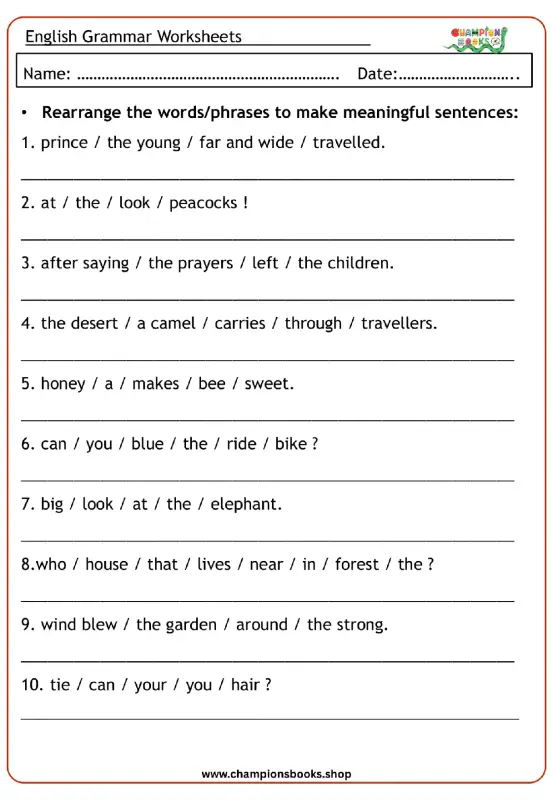
Rearrange Sentences Worksheet for Grade 3 Grammar Practice
Grade 3
Hindi First Letter Worksheet | Identify & Circle Akshar
Grade 1
Master A, An, Some, Any: Grade 3 Grammar Worksheet | Free PDF
Grade 3
Basic English Grammar Worksheet: A, An, Some, Any
Grade 1