

MS PowerPoint and MS Access Worksheet in Hindi | Grade 5
Description
About this MS PowerPoint and MS Access Worksheet
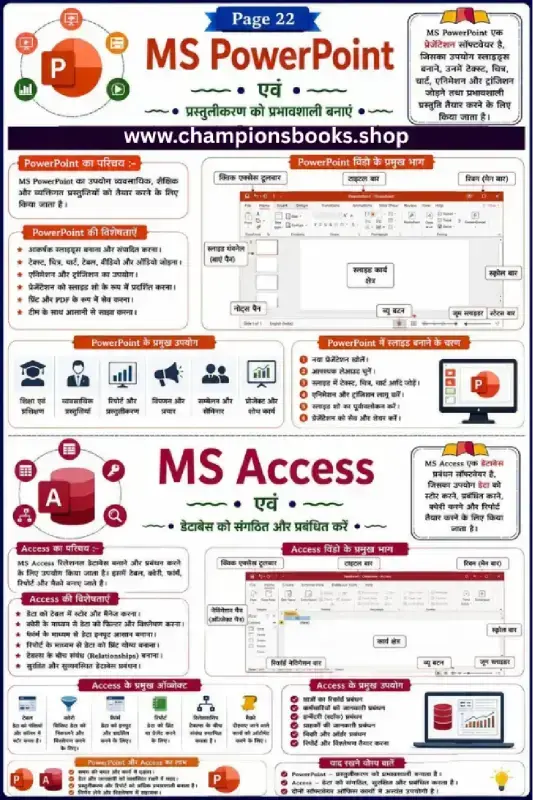
This comprehensive educational worksheet is designed specifically for Grade 5 students to master the fundamentals of Microsoft PowerPoint and Microsoft Access in Hindi. This visual study guide simplifies essential computer science concepts, helping young learners understand the core differences and applications of presentation and database management tools. It is an ideal resource for both classroom instruction and home revision.
Key Learning Topics Covered
The worksheet is divided into two major sections, providing structured notes and interface guides for both software systems:
MS PowerPoint Basics: Understand how to create dynamic presentations, insert media (images, audio, video), and apply transition effects to slides.
PowerPoint Interface: Learn to identify major window components such as the Title Bar, Quick Access Toolbar, Ribbon, Slide Pane, and Notes Pane.
MS Access Fundamentals: Introduction to databases, learning how to organize, store, and manage structured data efficiently.
Database Objects: Explore key Access components including Tables, Queries, Forms, and Reports with clear Hindi explanations.
Practical Applications: Real-world use cases for both software, such as school projects, business reporting, and data management.
Why Use This Hindi Computer Worksheet?
Teaching computer concepts in regional languages boosts comprehension and retention. This worksheet offers several key benefits:
Visual Reinforcement: Clear screenshots and labeled diagrams help students easily locate tools during practical lab sessions.
Exam Preparation: Summarized points and quick-remember facts (Yaad Rakhne Yogya Baatein) make it an excellent revision sheet.
Digital Literacy: Builds critical IT skills early, preparing students for more advanced technology topics in middle school.
This worksheet is perfect for grade 4 students who want to practice and improve their skills in information technology (it).
Quick facts
- Class
- Class 4 (Grade 4)
- Age
- 9–10 years
- Subject
- Information Technology (IT)
- Pages
- 1
- Format
- Free printable PDF (A4, black & white)
Related Worksheets
Information Technology Notes in Hindi | Class 9 IT Guide
Grade 4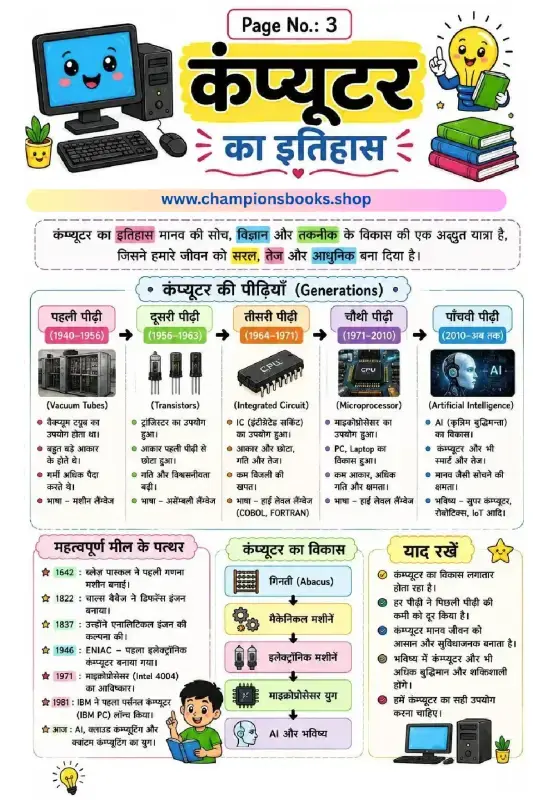
History of Computer in Hindi - कंप्यूटर का इतिहास Worksheet
Grade 4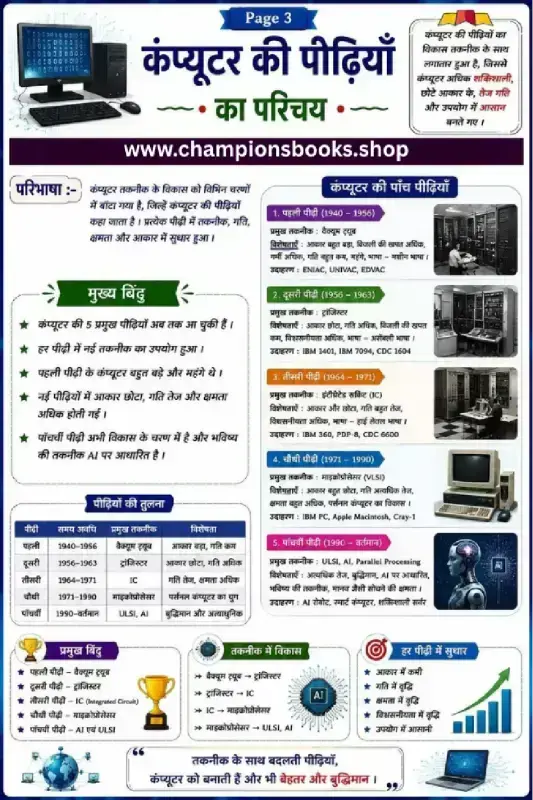
Generations of Computer in Hindi Chart & Worksheet
Grade 4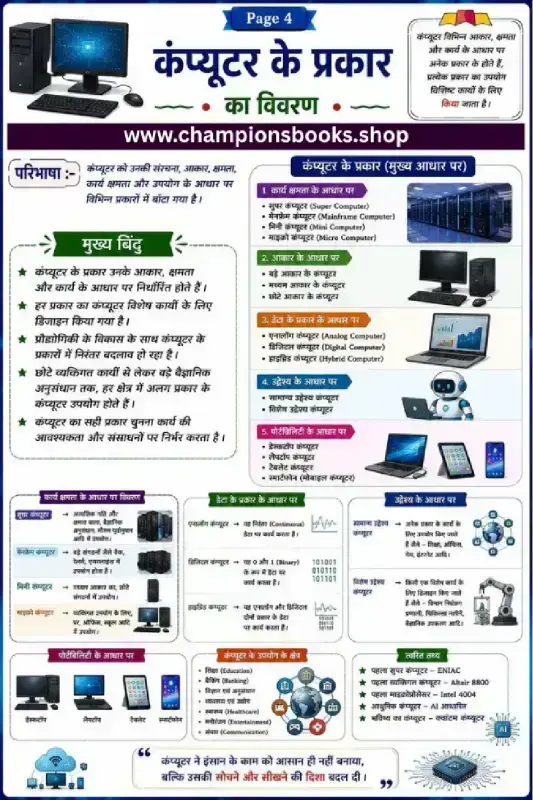
Types of Computers in Hindi | कंप्यूटर के प्रकार Worksheet
Grade 4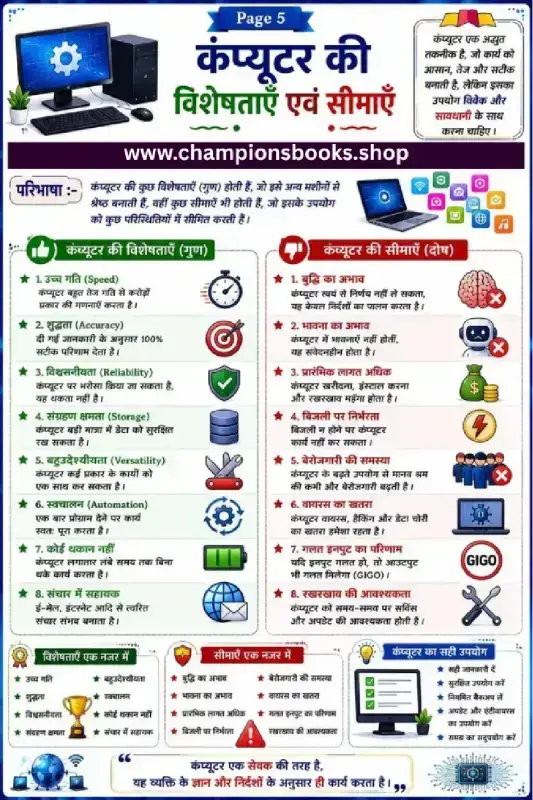
Computer Characteristics and Limitations in Hindi Worksheet
Grade 3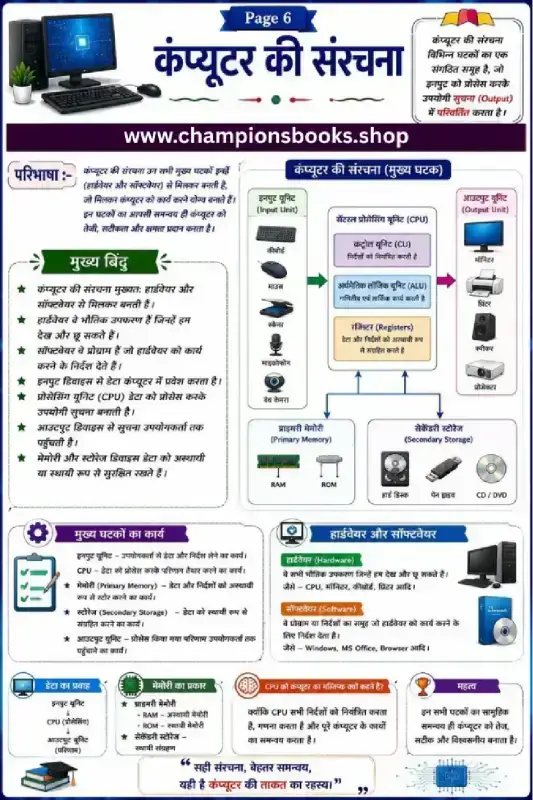
Computer Structure in Hindi Worksheet | Grade 6 Computer
Grade 4Most Downloaded Worksheets

Learn Hindi Vowels: Picture & First Letter Match | Kindergarten
Kindergarten
Hindi Sangya Worksheet for Grade 1 – Find Nouns in the Picture
Grade 1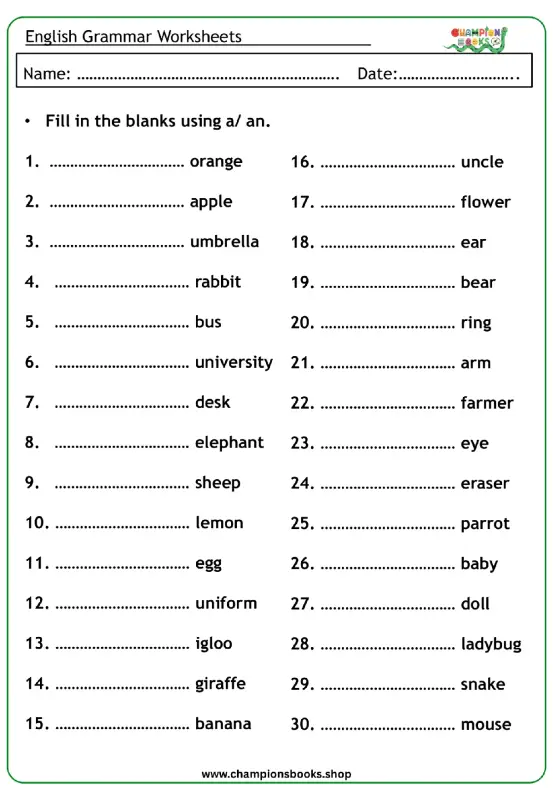
A vs An Worksheet for Grade 1 | English Grammar Practice
Grade 1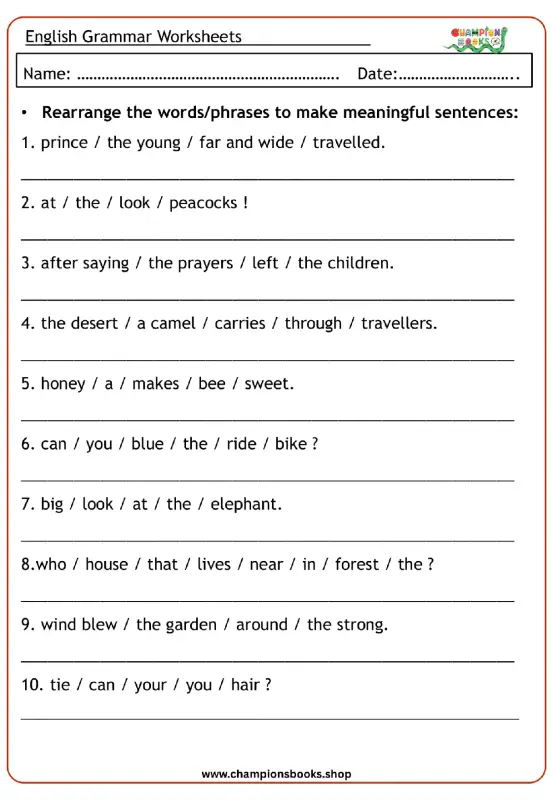
Rearrange Sentences Worksheet for Grade 3 Grammar Practice
Grade 3
Hindi First Letter Worksheet | Identify & Circle Akshar
Grade 1
Master A, An, Some, Any: Grade 3 Grammar Worksheet | Free PDF
Grade 3
Basic English Grammar Worksheet: A, An, Some, Any
Grade 1